US tax preparers need each client's signed consent before sharing records from their tax work (Treas. Reg. 301.7216-3). /app/consents collects that consent and tracks it per client.
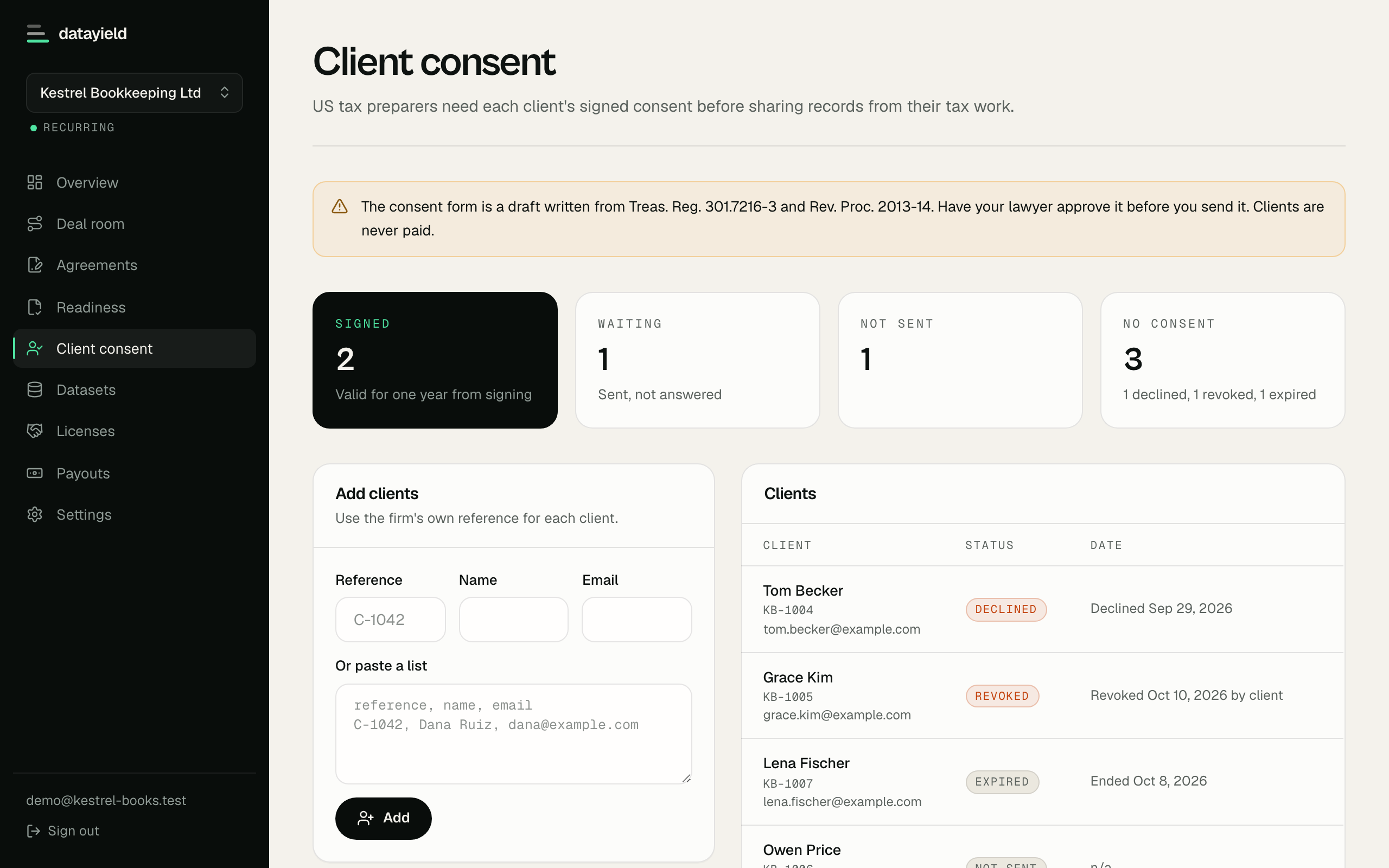
Adding clients
Add clients one at a time or paste a list of reference, name and email, one client per line. Use the firm's own client reference, which is how the SDK matches records to consents.
Sending requests
Requests go out by email in the firm's name, and each one links to a page where the client reads the consent text and signs by typing their name. Sending opens once the NDA is signed. A signing link works once and expires after 30 days, and pending clients can be sent a new one.
A client who declines is never asked again. A client who signs gets a confirmation email with a link to revoke at any time.
How long consent lasts
A signed consent lasts one year from the day it was signed. After that the client shows as expired and their records stop going into new batches until they sign again.
Statuses
| Status | Meaning |
|---|---|
| Not sent | Added, no request sent yet |
| Waiting | Request sent, no answer |
| Signed | Valid consent, records can be included |
| Expired | Signed more than a year ago |
| Declined | Said no and won't be asked again |
| Revoked | Withdrew consent; left out of every future batch |
For the SDK
Set consent.column on a source to the field holding the client reference:
"quickbooks": { "connector": "quickbooks", "consent": { "column": "customer_ref" } }Before cleaning, each run fetches the clients with a signed, unexpired consent from GET /api/v1/consents and keeps only their rows. Rows without the field are dropped, and the run reports how many rows it left out. Revoked and expired clients drop out on the next run.
The consent text is a draft based on Treas. Reg. 301.7216-3 and Rev. Proc. 2013-14. Have the firm's lawyer approve it before sending.